Software
Top 15 Software for your PC/Laptop: The Ultimate Essential Guide to Boost Performance
Optimize your machine with the Top 15 Software for your PC/Laptop. Maximize security, productivity, and performance using these essential applications.
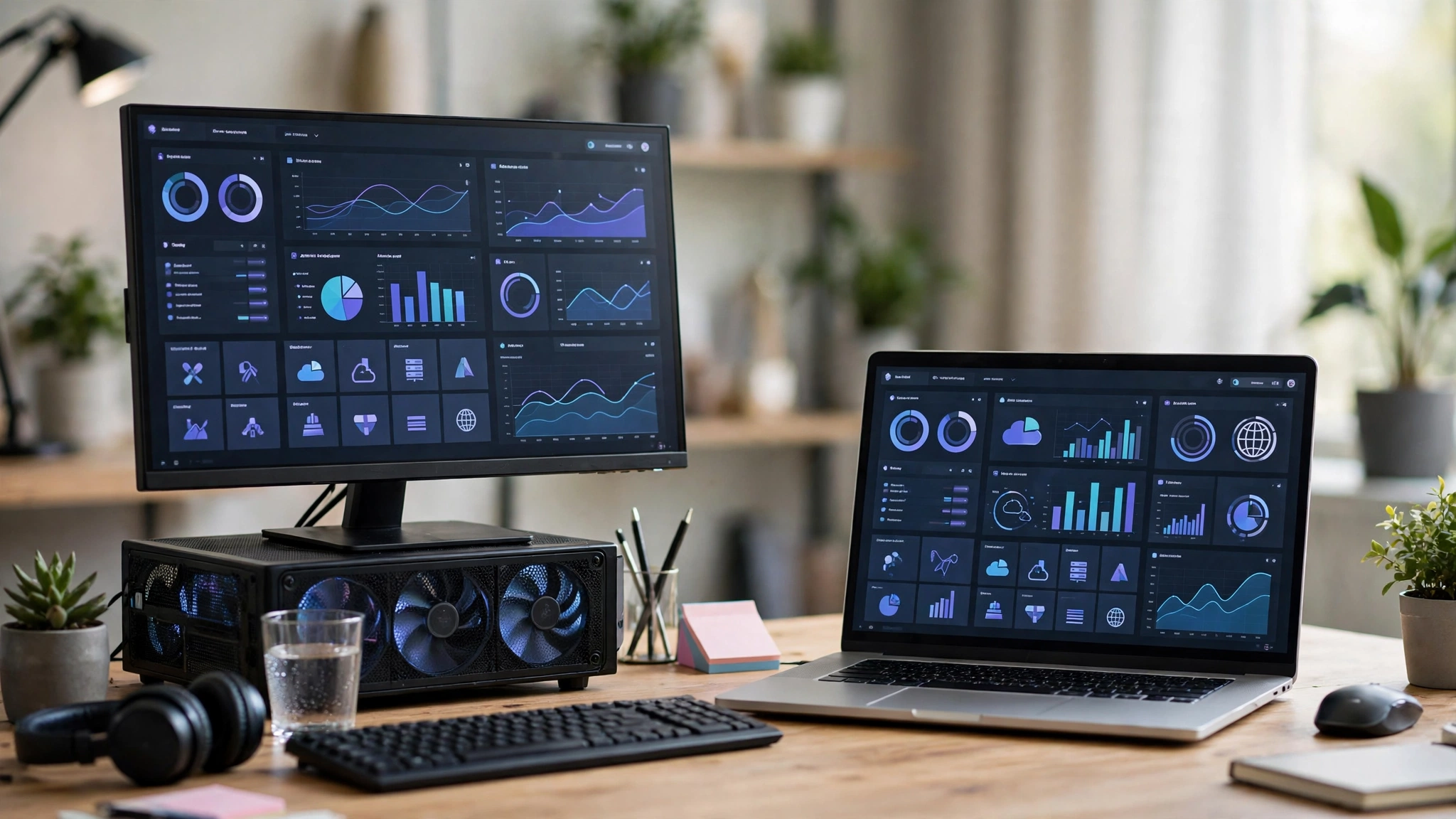
Setting up a new computer or revamping an existing digital workspace requires more than just decent hardware; it demands the right ecosystem of applications. Finding the Top 15 Software for your PC/Laptop is critical for transforming a blank operating system into a high-performance powerhouse. In today’s fast-paced digital environment, relying on default, pre-installed bloatware severely limits your operational efficiency, whether you are managing IT division infrastructure, automating administrative documents, or designing high-definition visual assets.
The software landscape in 2026 is hyper-competitive. Professionals need robust productivity applications, elite antivirus protection, and seamless media editing programs to maintain a competitive edge. Without a curated selection of must-have laptop programs, users face workflow bottlenecks, cybersecurity vulnerabilities, and poor system optimization. This comprehensive news-style guide breaks down the absolute best software solutions available today. By analyzing industry standards and rigorous performance metrics, we have identified the essential PC software that guarantees maximum utility. Whether you are scripting automated workflows, managing remote teams, or engaging in high-level content creation, installing this Top 15 Software for your PC/Laptop ensures your machine operates at peak efficiency, speed, and security.
Why You Need the Top 15 Software for your PC/Laptop
Relying on factory settings is a massive operational mistake. The Top 15 Software for your PC/Laptop serves as the foundational infrastructure for any serious professional. These applications bridge the gap between basic computing and advanced digital mastery. By integrating the best Windows apps into your daily routine, you automate repetitive tasks, secure sensitive corporate data, and drastically improve your output quality. Below is our definitive breakdown of the indispensable software every computer must have.
Essential Web Browsers for Ultimate Speed
Your web browser is the gateway to the internet. Standard browsers often lack the privacy controls and memory optimization required for heavy multitasking.
1. Google Chrome
Google Chrome remains an undisputed leader among essential PC software. Its massive library of extensions and seamless integration with the Google ecosystem make it indispensable.
-
Cross-Device Syncing: Instantly sync bookmarks, passwords, and history across your PC, mobile, and tablet.
-
Extension Library: Access thousands of tools for SEO analysis, grammar checking, and ad-blocking.
-
Performance Profiles: Chrome now features advanced memory-saving modes to prevent RAM hogging during intensive tasks.
2. Brave Browser
For users prioritizing privacy and speed, Brave is a critical addition to the Top 15 Software for your PC/Laptop.
-
Built-in Ad Blocker: Automatically blocks intrusive trackers and advertisements, drastically speeding up page load times.
-
Enhanced Privacy: Prevents fingerprinting and offers secure, Tor-integrated private browsing.
-
Resource Efficiency: Uses significantly less battery and memory compared to traditional Chromium browsers.
Best Office and Productivity Applications
Professional document management requires industry-leading suites. These productivity applications are non-negotiable for administrative and corporate operations.
3. Microsoft 365
No list of must-have laptop programs is complete without Microsoft 365. It is the gold standard for document creation, data analysis, and professional presentations. For official documentation, visit the official Microsoft 365 portal to understand their enterprise-grade cloud security.
-
Word & Excel: Unmatched formatting precision and complex data processing capabilities.
-
Cloud Storage: 1TB of OneDrive storage ensures your files are backed up and accessible anywhere.
-
Seamless Collaboration: Real-time co-authoring tools streamline team projects and administrative reporting.
4. Notion
Notion has revolutionized how professionals organize their workflows, earning its spot in the Top 15 Software for your PC/Laptop.
-
Customizable Workspaces: Build bespoke databases, Kanban boards, and calendars tailored to your exact administrative needs.
-
AI Integration: Leverage integrated AI to draft summaries, generate content ideas, and refine meeting notes.
-
Centralized Knowledge Base: Ideal for managing SEO outreach campaigns, IT department protocols, and overarching project management.
Elite Antivirus Protection and Security
Cyber threats are increasingly sophisticated. Relying solely on default OS defenders is risky. Securing your data is a paramount priority, as advised by global cybersecurity authorities like the Cybersecurity and Infrastructure Security Agency (CISA).
5. Bitdefender Total Security
Bitdefender offers military-grade antivirus protection without slowing down your system, making it an anchor of our essential PC software list.
-
Real-Time Threat Detection: Employs advanced behavioral analysis to stop zero-day ransomware and malware attacks.
-
Multi-Layered Ransomware Protection: Safeguards your critical documents and system files from unauthorized encryption.
-
Minimal System Impact: Runs quietly in the background without causing CPU bottlenecks during heavy workflows.
6. Malwarebytes
As a supplementary defense mechanism, Malwarebytes is unmatched in rooting out deeply embedded threats.
-
Targeted Malware Removal: Excels at finding adware, spyware, and potentially unwanted programs (PUPs) that traditional antiviruses miss.
-
Web Protection: Blocks malicious websites, phishing attempts, and infected advertising networks.
-
On-Demand Scanning: Provides rapid, highly efficient system sweeps to ensure operational integrity.
Media Players and Entertainment
Whether reviewing video scripts for digital media or relaxing, a versatile media player is a necessity.
7. VLC Media Player
VLC is a legendary open-source application and a permanent fixture in any list of the Top 15 Software for your PC/Laptop.
-
Universal Format Support: Plays virtually any audio or video codec out of the box without requiring additional downloads.
-
Advanced Playback Controls: Offers frame-by-frame advancement, audio synchronization, and subtitle integration.
-
Completely Free and Ad-Free: A lightweight, community-driven tool completely devoid of spyware or advertisements.
8. Spotify
For maintaining focus during long administrative or coding sessions, Spotify is the premier audio platform.
-
Massive Library: Access millions of songs, podcasts, and focus playlists.
-
Algorithm-Driven Recommendations: Curates highly accurate weekly playlists based on your listening habits.
-
Cross-Platform Handoff: Seamlessly switch audio playback from your PC to your mobile device.
PC Performance and Utility Software
Keeping your operating system clean and optimized is vital for long-term hardware health. These PC performance tools are mandatory.
9. CCleaner
To maintain a snappy, responsive system, CCleaner is a core piece of utility software.
-
Junk File Removal: Clears out temporary files, browser caches, and residual installer data to free up gigabytes of storage.
-
Registry Cleaning: Fixes broken registry entries that can cause system crashes or software conflicts.
-
Software Updater: Automatically scans for and updates outdated applications to patch security vulnerabilities.
10. 7-Zip
File compression is a daily requirement for IT supervisors and digital media managers. 7-Zip is the most efficient archiver available.
-
High Compression Ratio: Uses the robust LZMA and LZMA2 algorithms to drastically reduce file sizes.
-
Broad Format Support: Extracts RAR, CAB, ISO, ZIP, and TAR files effortlessly.
-
AES-256 Encryption: Secure sensitive corporate documents before transferring them over email or cloud networks.
Creative Design and Media Editing
For professionals managing brand identities, YouTube channels, and digital media assets, high-definition visual tools are a must.
11. CapCut for PC
CapCut has transitioned from a mobile app to a dominant desktop video editor, earning a top spot in our Top 15 Software for your PC/Laptop.
-
Intuitive Timeline: Offers drag-and-drop simplicity combined with professional-grade multi-track editing.
-
AI-Powered Features: Includes auto-captions, background removal, and advanced color grading crucial for producing high-retention YouTube content.
-
Asset Library: Built-in transitions, text templates, and audio effects speed up the production workflow immensely.
12. Adobe Photoshop
For precise graphic design, logo creation, and banner production, Photoshop remains the undisputed king of creative applications.
-
Layer-Based Editing: Unparalleled control over image composition, masking, and high-definition visual aesthetics.
-
Generative Fill: AI-powered tools that instantly add, remove, or expand image elements based on text prompts.
-
Professional Output: Essential for maintaining rigorous administrative layout precision and graphical quality.
Automation and Scripting Workflows
Modern professionals require tools that automate tedious administrative tasks and format data dynamically.
13. Python (with IDE like PyCharm or VS Code)
While a programming language rather than a standard GUI app, a Python environment is crucial essential PC software for IT supervisors and system architects.
-
Document Automation: Utilize libraries like
WeasyPrintandpython-docxto programmatically convert data into formatted PDFs and MS Word files. -
Data Scraping: Automate SEO research, domain analysis, and competitor tracking across digital platforms.
-
Custom Scripting: Build tailored solutions for localized administrative reporting and data structuring.
Communication and Collaboration
Managing remote teams and digital assets requires uninterrupted, clear communication channels.
14. Slack
Slack replaces chaotic email chains with organized, instant communication, solidifying its place in the must-have laptop programs.
-
Channel-Based Organization: Create specific channels for IT division updates, SEO campaigns, and video production teams.
-
Extensive Integrations: Connects seamlessly with Google Drive, Trello, and GitHub to centralize notifications.
-
Huddles and Voice: Instant, low-friction voice calls for quick team syncs and troubleshooting.
15. Zoom
For client-facing meetings and official corporate communications, Zoom remains the most reliable video conferencing software.
-
HD Video and Audio: Consistent, high-quality streaming even on lower-bandwidth connections.
-
Screen Sharing & Annotation: Perfect for walking clients through pitch decks or demonstrating software workflows.
-
Recording & Transcripts: Automatically record sessions and generate AI-driven text transcripts for official administrative records.
Conclusion
Maximizing your computer’s potential requires moving beyond factory defaults and curating a highly specific digital ecosystem. The Top 15 Software for your PC/Laptop detailed in this guide encompasses everything from robust antivirus protection and PC performance utilities to advanced productivity applications and media editing suites. By integrating these specific must-have laptop programs into your daily routine, you immediately eliminate workflow friction, secure your critical data against emerging cyber threats, and unlock professional-grade creative capabilities. Whether you are managing administrative IT tasks, engineering dynamic Python scripts, or producing high-definition digital media, installing this essential PC software is the definitive first step toward true digital mastery and unrivaled operational productivity.